
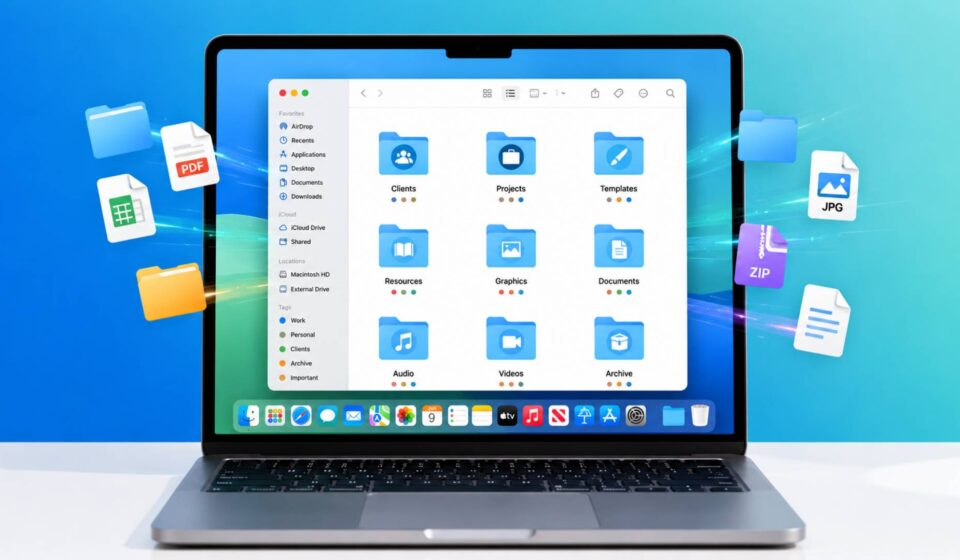
The Digital Download Organization System Every Creator Needs
When it comes to managing digital files, most creators don’t realize how quickly downloads can pile up. A few templates, stock photos, design assets, and project files can turn into hundreds of scattered documents before you know it.
That clutter makes it harder to find what you need because half of them are named “final” or “final2,” etc. That chaos costs real time, and time is the one resource creators can never get back.
A proper digital download organization system fixes this permanently. So, this guide walks through ten practical steps, from auditing what you currently have to building a folder structure, naming convention, and backup routine that scales as your work grows.
Why Every Creator Needs an Organization System?
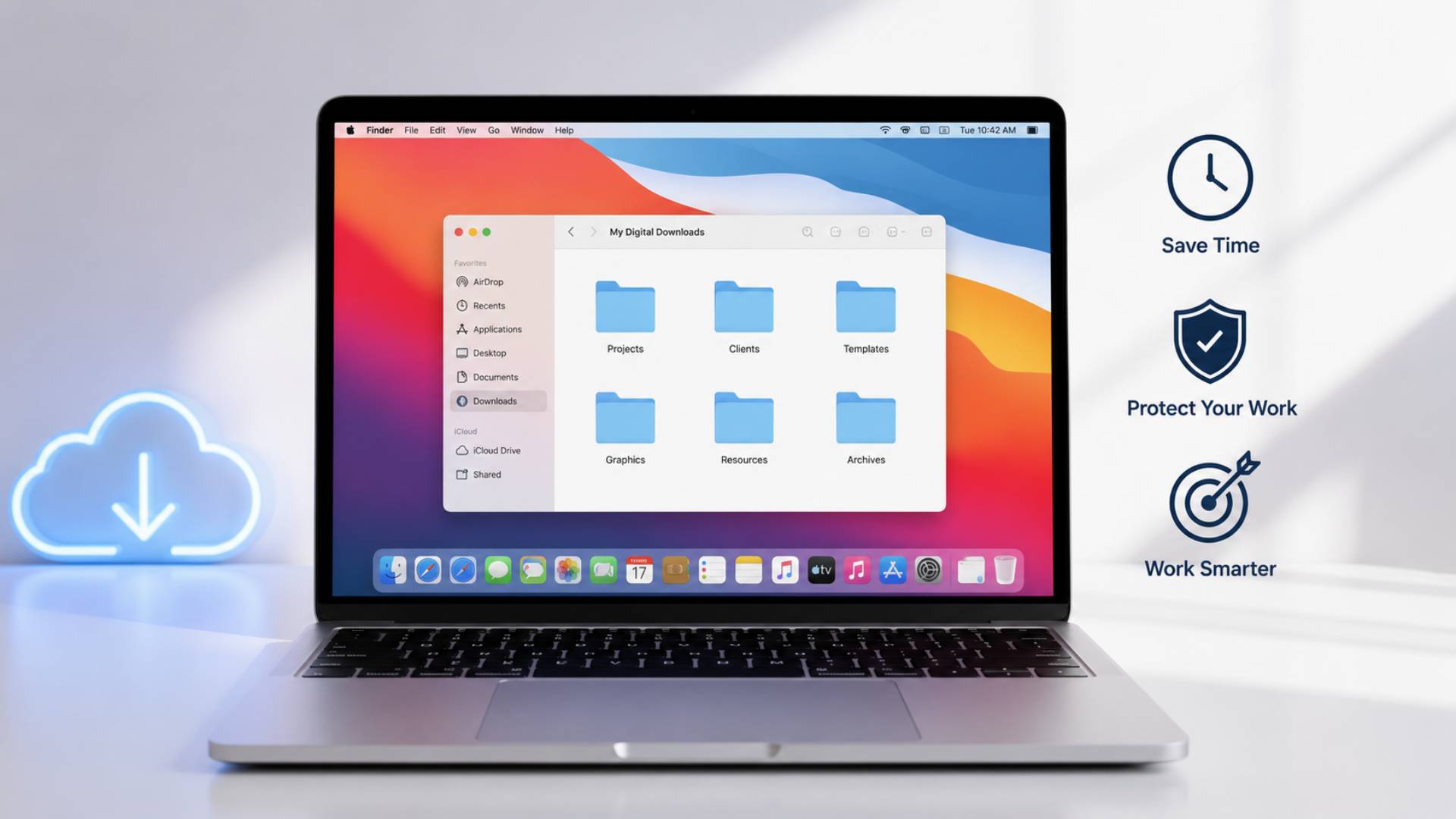
Disorganized files don’t just waste time searching, they create real risk. Lost client work, missing source files, and accidentally overwritten projects all trace back to the same root cause, no system in place to prevent them.
A solid digital download organization approach protects your work and your reputation. Clients and customers notice when deliverables arrive quickly and consistently, and that reliability often matters more to repeat business than the quality of any single project.
Your Digital Download Organization System
1. Audit Your Current Downloads
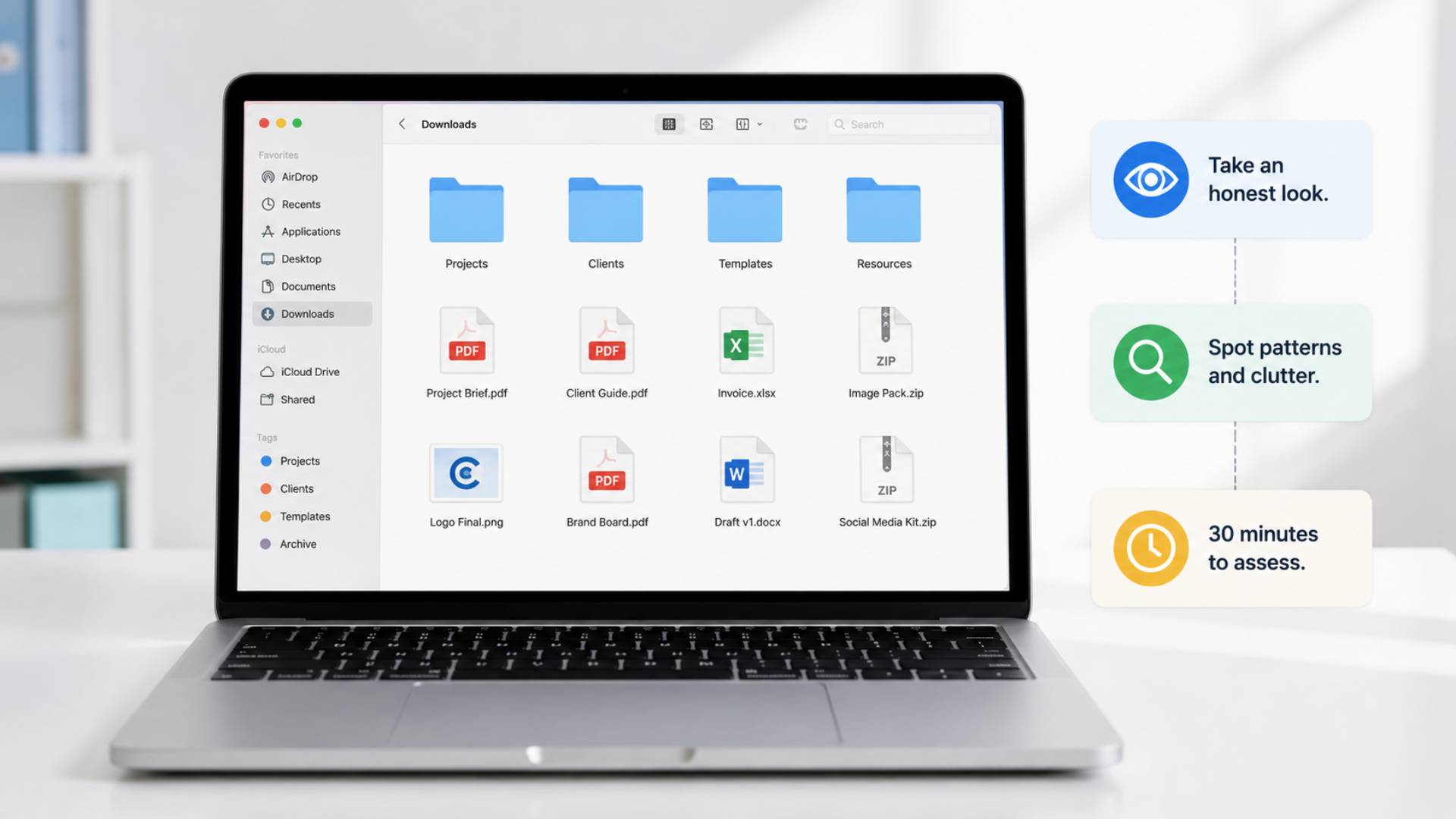
Before building anything new, see exactly what you’re working with. Open your downloads folder, desktop, and any scattered project folders, and get an honest look at how much needs sorting.
This step feels tedious, but it reveals patterns fast. You’ll likely notice duplicate files, outdated drafts, and folders that made sense at the time but no longer reflect how you actually work.
Set aside thirty minutes just to look and take notes rather than trying to fix everything in one sitting.
2. Create Main Folder Categories
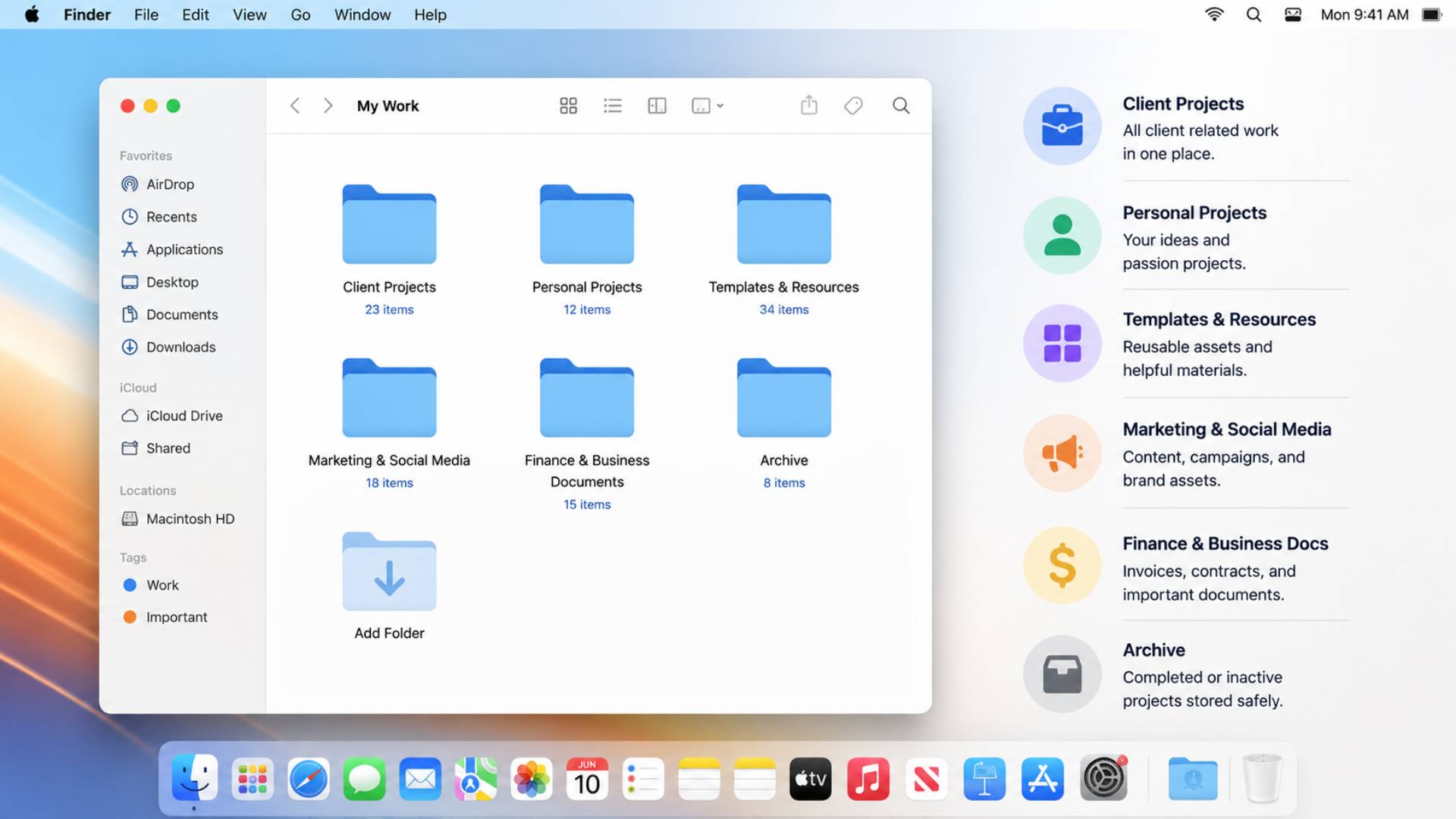
Once you know what you’re dealing with, build a small number of broad top level folders. Most creators do well with somewhere between five and eight main categories, enough to separate different types of work without creating so many folders that you forget where things belong.
Common categories that work well:
- Client Projects
- Personal Projects
- Templates and Resources
- Marketing and Social Media
- Finance and Business Documents
- Archive
Keep these broad on purpose. Specificity comes in the next step, not here.
3. Organize Projects Inside Each Folder
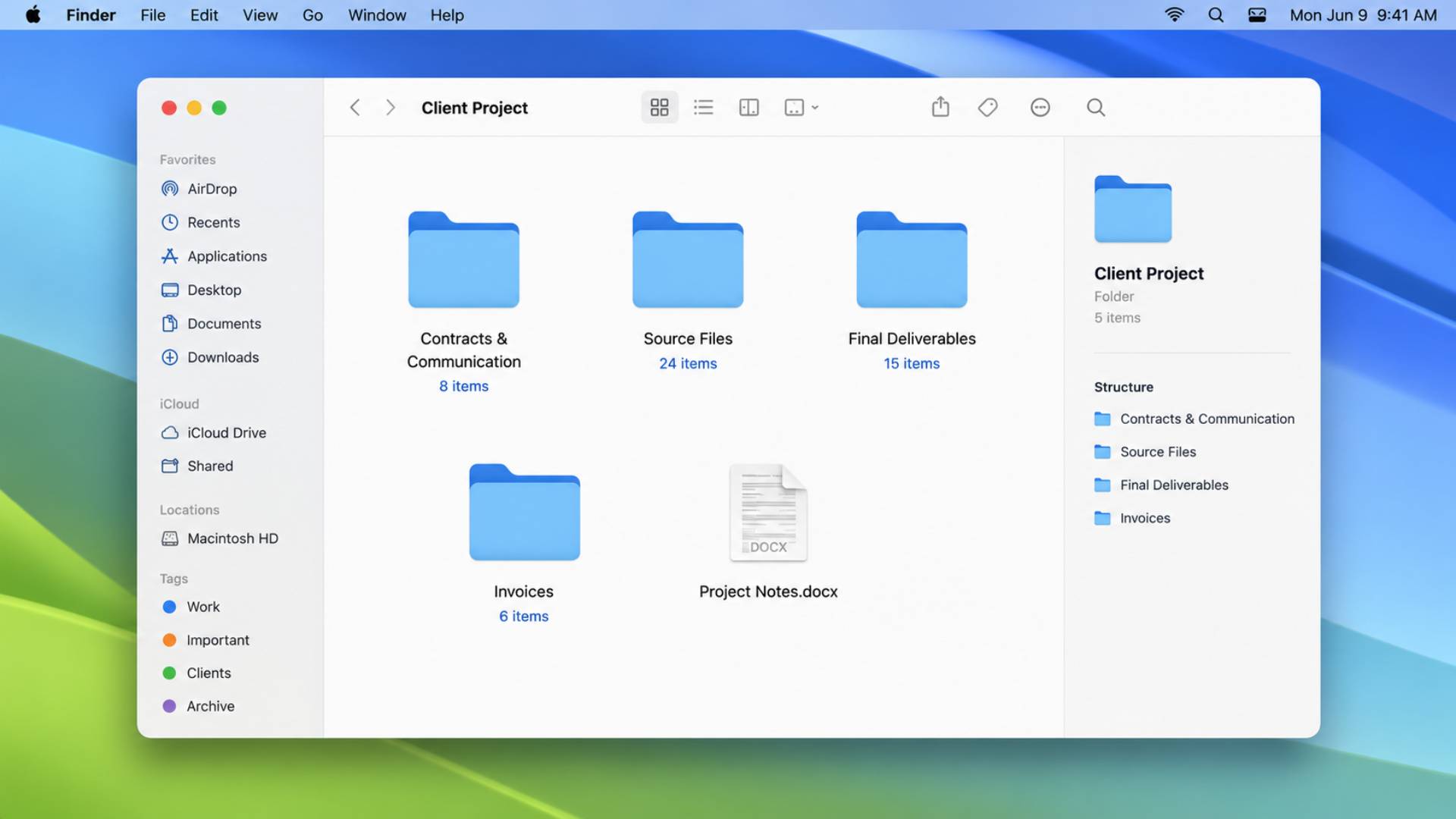
Inside each main category, break things down by individual project or client. This is where your folder structure actually becomes useful day to day, since you’ll be opening these subfolders constantly.
A simple structure inside a client folder might look like this:
- Client Name
- Contracts and Communication
- Source Files
- Final Deliverables
- Invoices
This structure repeats consistently across every project, which means once you learn it for one client, you already know exactly where to look for every other one. Best Freelance Skills to Learn in 2026 touches on how this kind of consistent workflow directly affects how professional and reliable freelancers appear to clients over time.
4. Use a Consistent File Naming System
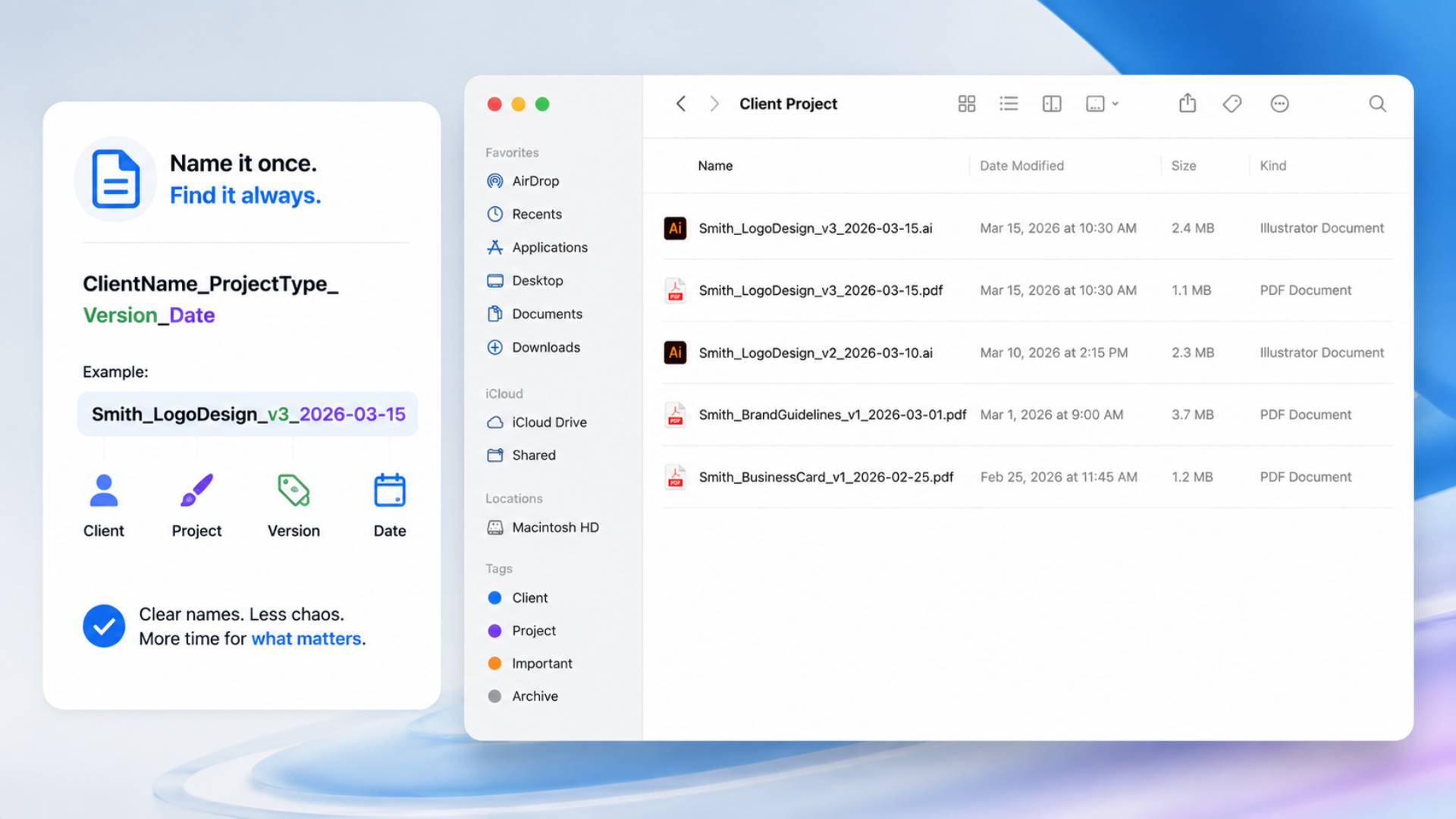
Folders solve half the problem. File names solve the other half. A consistent file naming system means you can identify a file’s content, version, and date without opening it.
A reliable format looks something like this:
ClientName_ProjectType_Version_Date
For example: Smith_LogoDesign_v3_2026-03-15
This single habit eliminates the “final_final_REALfinal” problem almost entirely. According to research from the Association for Information Science and Technology, poor file naming and organization practices are directly linked to significant time loss in professional workflows, with some studies estimating that knowledge workers spend up to twenty percent of their week simply searching for information that should have been easy to locate.
5. Separate Active and Archived Projects
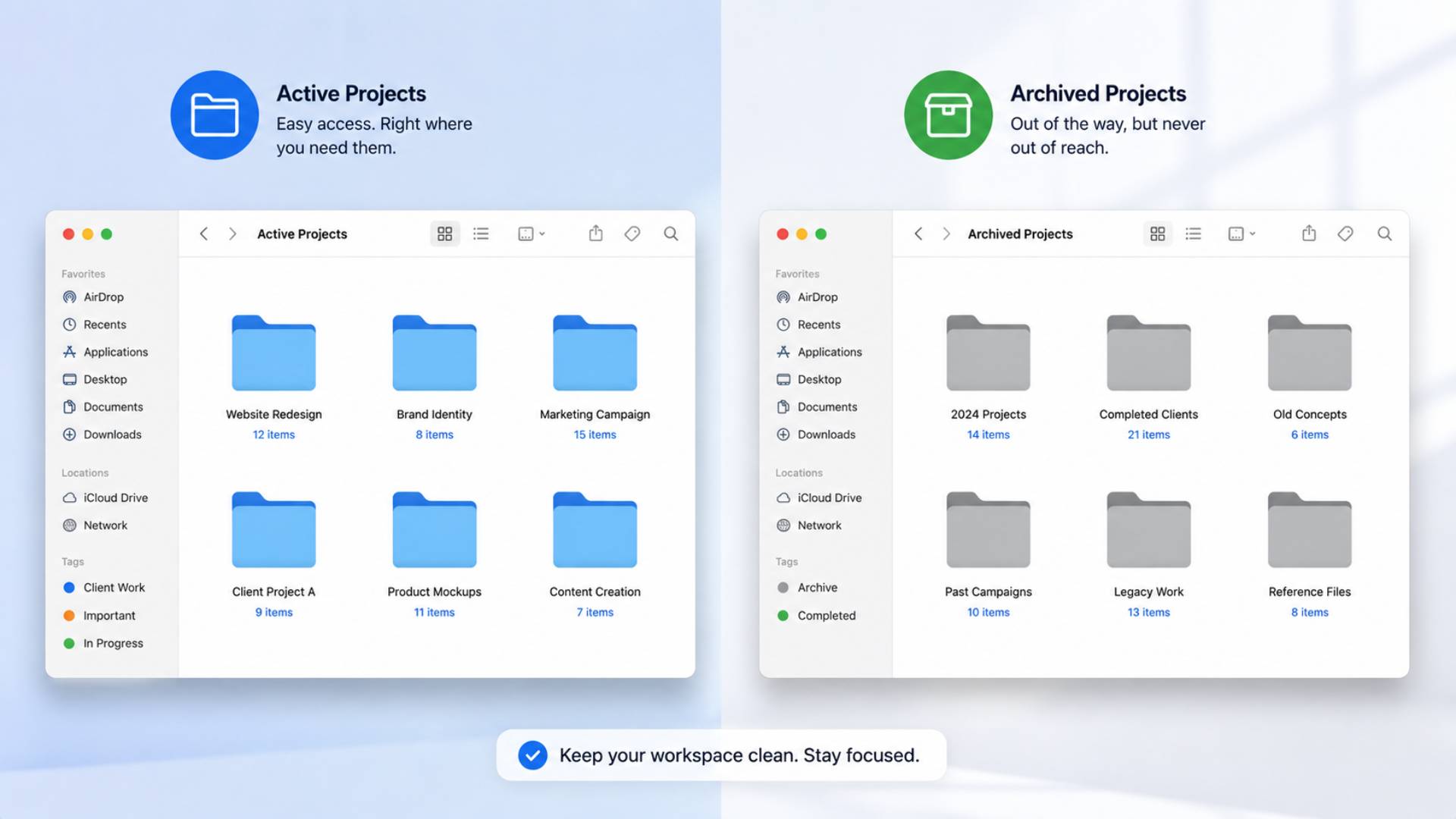
Not every file needs to live in your main working space. Active projects, the ones you’re touching weekly, deserve to be front and center. Anything finished, invoiced, and closed out should move to an archive folder so your active workspace stays lean and fast to navigate.
This separation alone makes a noticeable difference in how quickly you can find things, since you’re no longer scrolling past dozens of completed projects to reach the one you’re currently working on.
6. Organize Shared Files for Teamwork
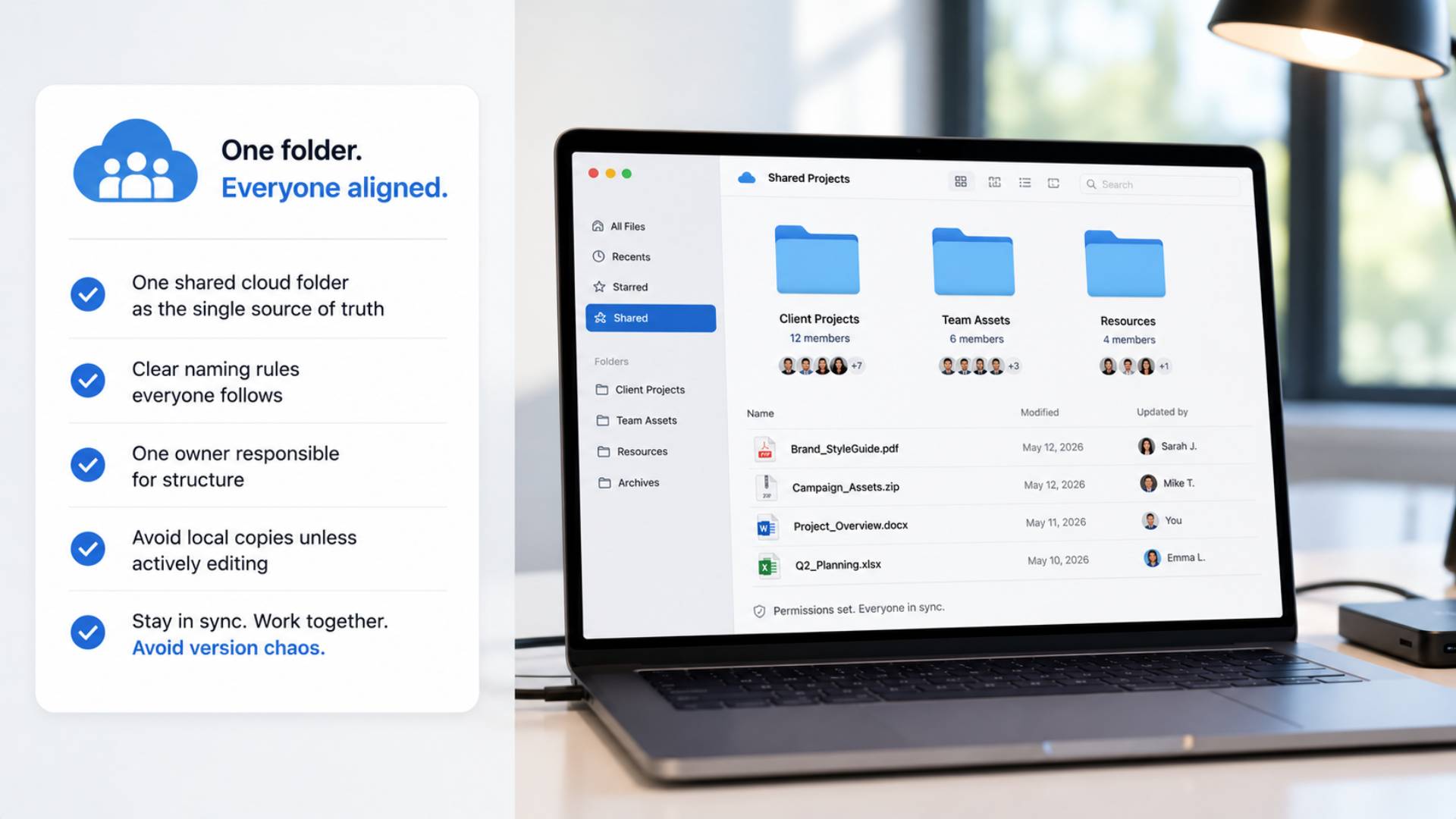
If you collaborate with anyone, clients, freelancers, or a small team, shared folders need their own clear rules. Confusion here usually comes from unclear permissions or files that get duplicated across multiple people’s personal folders instead of one shared source.
A few practices that keep shared folders functional:
- Use one shared cloud folder as the single source of truth
- Set clear naming rules everyone follows, not just you
- Assign one person as the folder owner responsible for structure
- Avoid downloading shared files locally unless actively editing them
This creator workflow habit prevents the classic problem of three people editing three different versions of the same file without realizing it.
7. Store Large Files the Smart Way
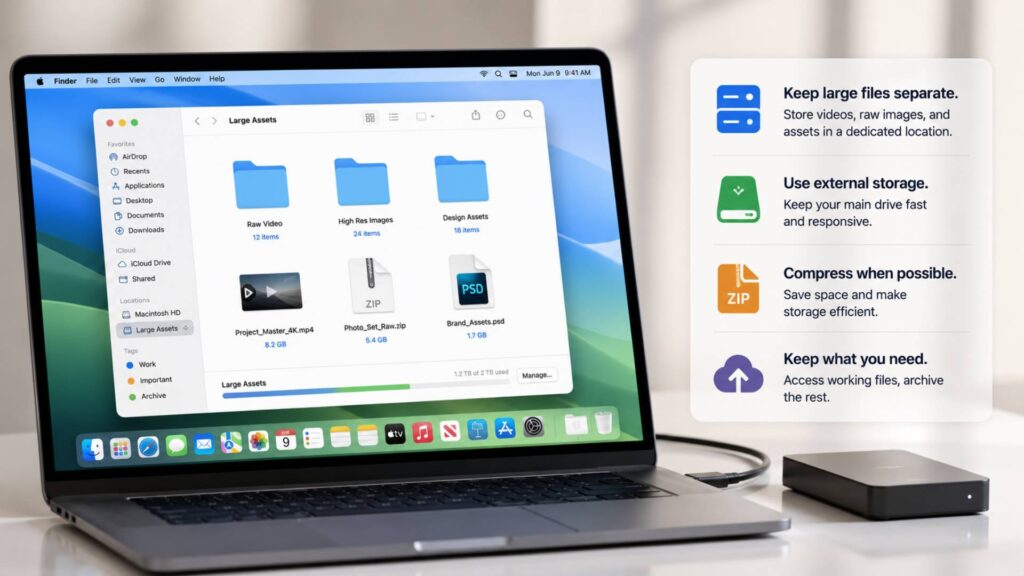
Video files, high-resolution images, and design assets take up significant space and can slow down both your local device and your cloud storage sync. Store these separately from your day-to-day working files, ideally in a dedicated folder or external drive reserved specifically for large digital assets.
Compress files where possible before long term storage, and consider keeping only the working version accessible while archiving raw, uncompressed originals separately. This keeps your active digital workspace fast and responsive rather than bogged down by files you rarely open.
8. Create a Weekly File Maintenance Habit
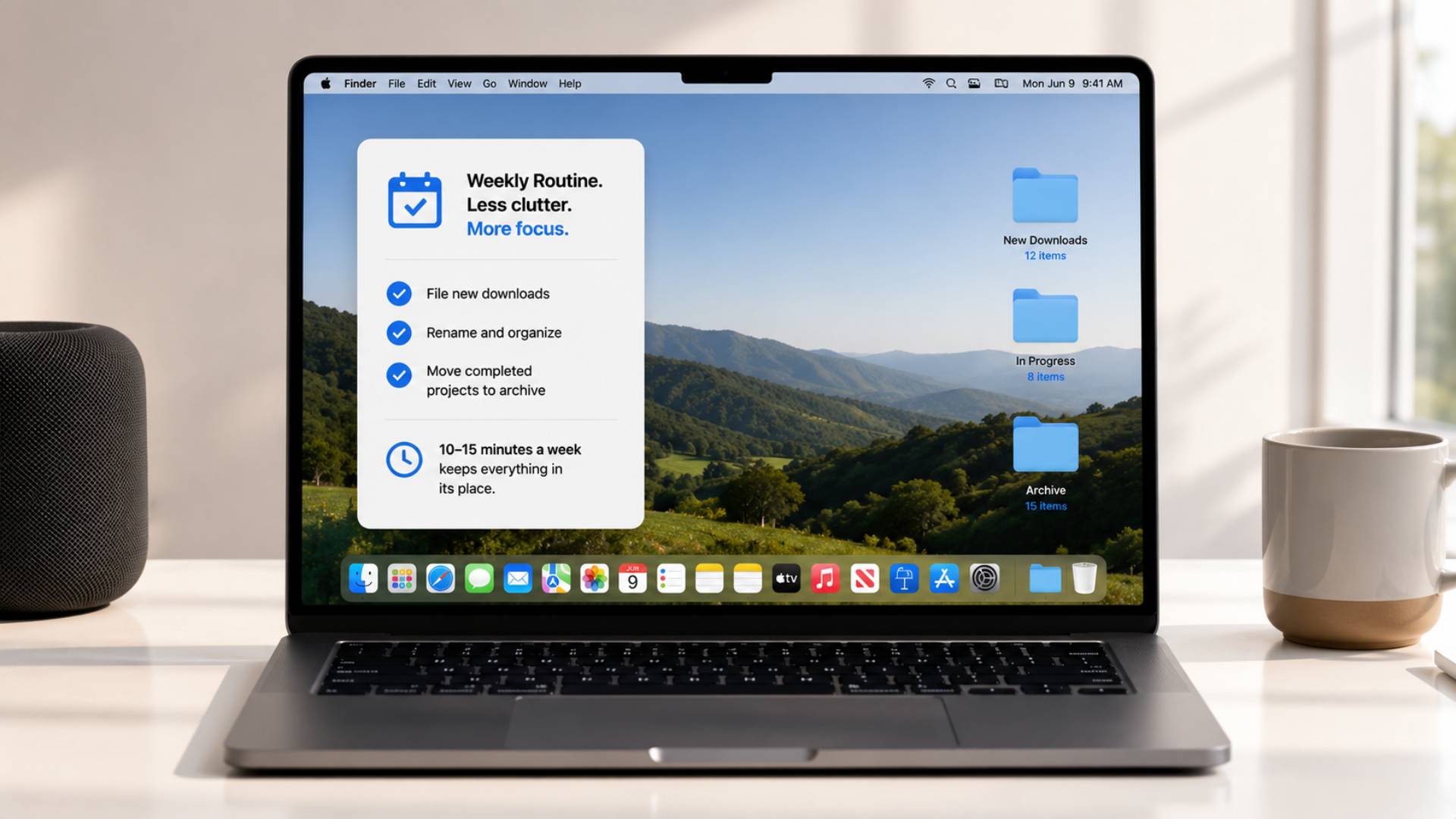
A digital download organization system only works if it’s maintained. Set aside ten to fifteen minutes each week to file new downloads, rename anything that slipped through without proper naming, and move completed projects into your archive.
A Weekly Money Check-In Routine Anyone Can Follow covers a similar weekly habit structure for finances, and pairing both routines together, money on one day, files on another, builds a rhythm of small maintenance tasks that prevent much bigger cleanup projects down the line.
9. Build a Reliable Backup Routine
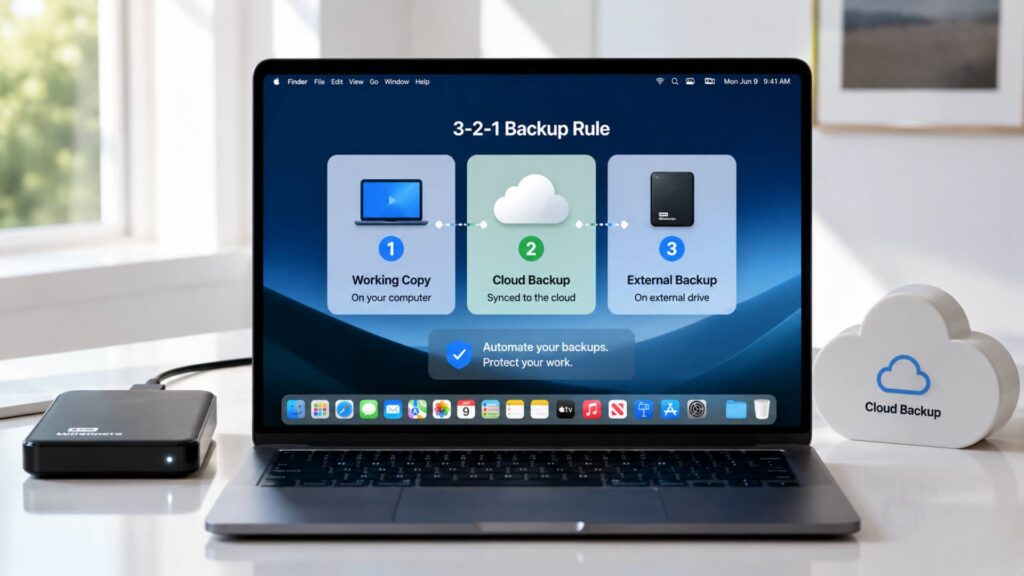
Organization means very little if a hard drive failure wipes out months of work with no backup. A proper backup system should follow the well known rule of three copies, two different storage types, and one copy stored somewhere off site.
In practice, this often looks like your working files on your computer, a synced backup to cloud storage, and a periodic backup to an external hard drive. Automate as much of this as possible so backups happen without requiring you to remember.
10. Review and Improve Your System Regularly
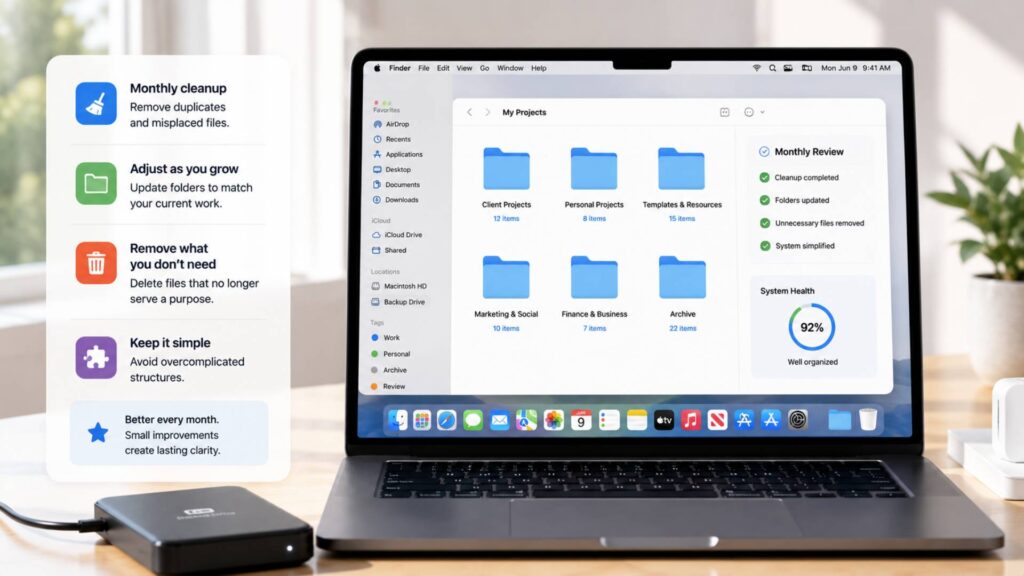
No organization system stays perfect forever. As your work evolves, your folder structure should evolve with it.
A few habits worth building into a monthly routine:
- Do a monthly cleanup of any misplaced or duplicate files
- Adjust folder categories if your work has shifted direction
- Remove unnecessary files that no longer serve any purpose
- Keep the system simple, since overly complex structures collapse under their own weight
The goal isn’t a perfect system on day one. It’s a system that gets slightly better every month as you notice what’s working and what isn’t.
Best Tools for Digital Organization
The right tools make maintaining a digital download organization system significantly easier, and most creators only need a handful across a few key categories.
1. Cloud Storage
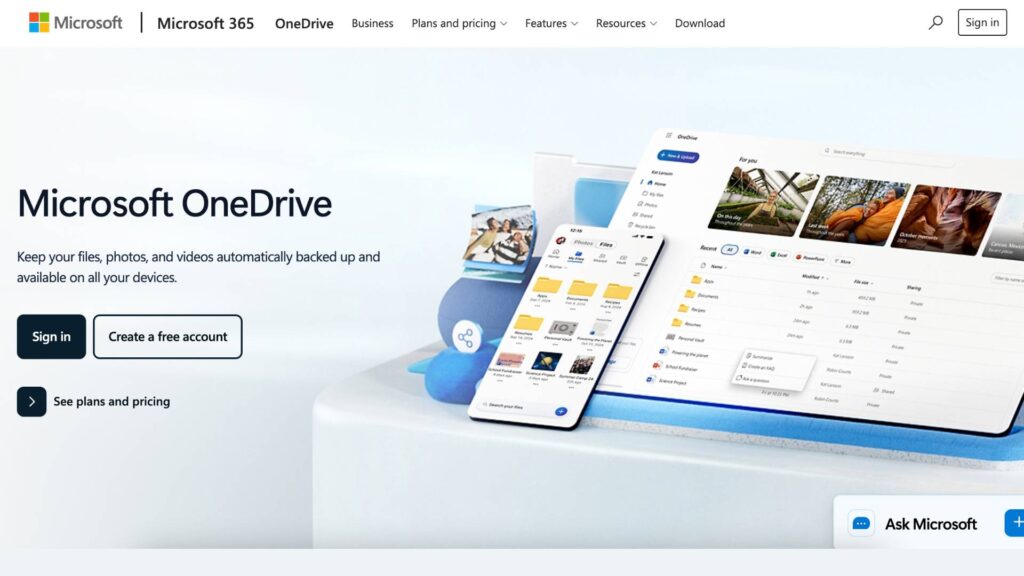
Most creators today rely on this as the backbone of their entire workflow. Google Drive and OneDrive all offer reliable syncing across devices, which means your organized folder structure follows you whether you’re working from a laptop, tablet, or phone. Free tiers are generous enough for most individual creators, with paid upgrades available once your storage needs grow.
2. Duplicate File Finders
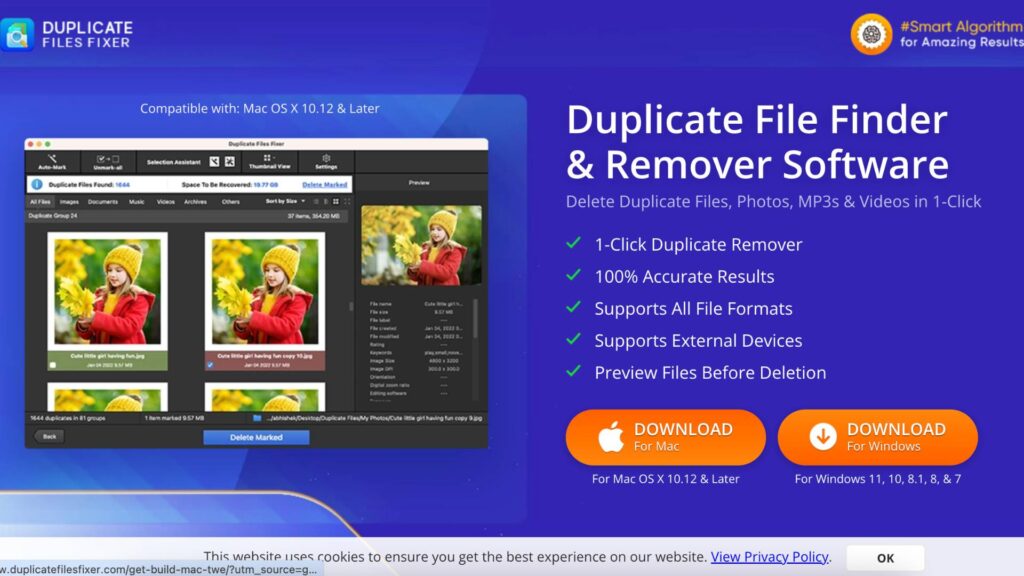
One of the most common clutter problems in any digital workspace comes down to saved copies nobody remembers making. Tools like Gemini 2 for Mac or Duplicate Cleaner for Windows scan your drives and flag identical or near identical files, which is especially useful after years of saving multiple versions of the same project without a consistent naming system in place.
3. File Search Tools
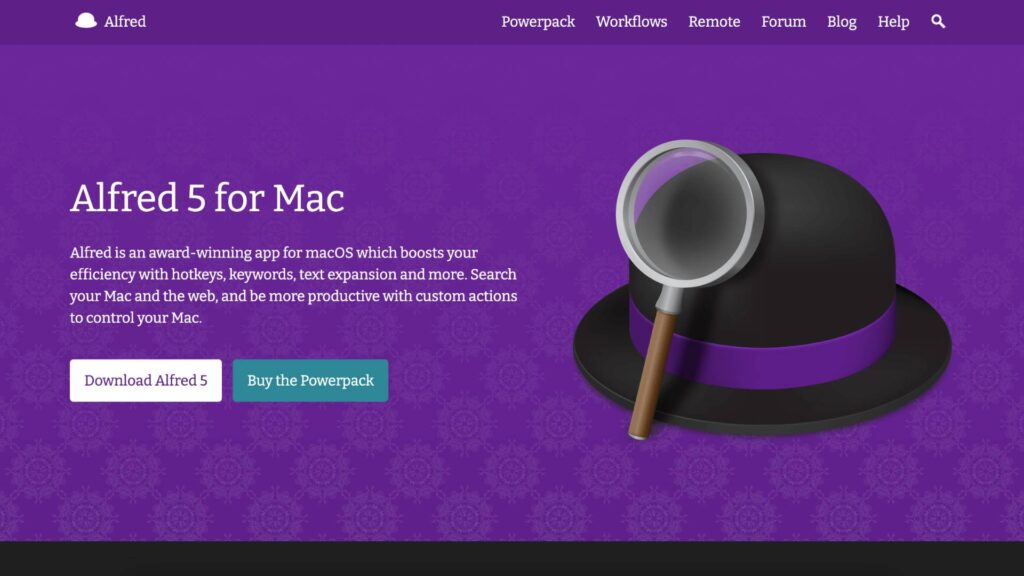
Even a well organized system benefits from a faster way to locate a specific document. Everything, a free search tool for Windows, and Alfred for Mac both index your files for near instant results, which matters when you need something quickly and don’t want to click through folder after folder to find it.
4. Backup Software
Manually copying files to an external drive every week rarely lasts as a habit, which is where automation comes in. Backblaze and Carbonite both offer continuous cloud backup that runs quietly in the background, giving you a real safety net without requiring any ongoing effort on your part.
5. Productivity Apps
Notion and Trello work well alongside your file structure to track project status, deadlines, and client communication separately from the files themselves. Keeping project management separate from file storage prevents your folders from becoming cluttered with notes and task lists that belong somewhere else entirely.
FAQs
How should creators organize digital downloads?
Start with a small number of broad main folders, then break each one down into individual projects with a consistent internal structure. Pair this with a clear file naming system so every document is identifiable at a glance.
What is the best folder structure?
There’s no single universal answer, but most creators do well with five to eight main categories broken down by client or project type, with consistent subfolders like source files, deliverables, and communication inside each one.
Should I use cloud storage?
Yes, for most creators cloud storage is worth using both for accessibility across devices and as part of a broader backup strategy. Choose a service with a free tier to start and upgrade only once you actually need more space.
How often should I clean my files?
A quick weekly maintenance session paired with a more thorough monthly review keeps most systems running smoothly without ever requiring a large, overwhelming cleanup project.
Wrapping Up…
A digital download organization system isn’t about achieving some perfect, permanent state of tidiness. It’s about building small, repeatable habits, consistent folder categories, clear file naming, regular maintenance, and reliable backups, that keep your work accessible and protected as it grows.
The ten steps covered here take real effort to set up initially, but far less time than the hours lost searching through disorganized folders month after month. Pair this system with the right tools, and file chaos becomes a problem of the past rather than a recurring weekly frustration.
If you’re building out other systems alongside this one, 15 Online Business Ideas to Start With No Money and Passive Income From Etsy Printables both benefit significantly from the kind of organized file structure covered here, since creators managing multiple products or listings need reliable systems even more than most.